

Practice Manager
Enhance Dental · St Kilda Road, Melbourne
Contact Enhance Dental
Find our St Kilda Road practice, ask a general question or speak with our friendly team. For help choosing a visit and preparing to come in, see our dental appointment guide. New and returning patients are welcome.
Level 2, Suite 219 · 566 St Kilda Road · Melbourne VIC 3004
Send a message
Contact Form
Tell us how we can help with a general enquiry, practice information or an existing booking. To choose a visit or prepare for your first appointment, use our dental appointment guide. An enquiry is not a confirmed appointment; our team will contact you to discuss the next step.
For an urgent appointment request or a change to a booking, please call (03) 9533 8488. Messages may not be read immediately.
Your visit starts here
Find Enhance Dental in Melbourne
Our practice is at Level 2, Suite 219, 566 St Kilda Road, Melbourne VIC 3004. Please use the suite and level as well as the street address when planning your visit.
Free patient parking
Designated free parking is available on Queens Lane at the rear of our building. Enter via Roy Street or Beatrice Street and look for spaces marked for Enhance Dental patients. Metered parking is also available on St Kilda Road, Roy Street and Beatrice Street.
Travelling by public transport
St Kilda Road is served by trams. Check your current route and stop before travelling, as services and stops can change. If you need help finding the building or locating the practice, call our team before your appointment.
Office hours
| Monday | 8.00 am–7.00 pm |
|---|---|
| Tuesday–Thursday | 7.30 am–4.00 pm |
| Friday | 7.30 am–12.30 pm |
Clinical hours may vary. Please confirm your appointment time with the practice.
Patient paperwork · Before your appointment
Medical History Form: fill in or print
Please use a desktop or laptop computer to complete the fillable PDF electronically. Alternatively, print a blank copy and write your answers by hand.
- Open or download the three-page Medical History Form below.
- Complete on a desktop or laptop, or on paper. Type into the fields and tick the boxes on your computer, or print a blank copy to fill in by hand.
- Save and return your completed form. Bring it to your appointment, either printed or saved on your device. You can also email the saved PDF to the practice; please call (03) 9533 8488 for the correct email address before sending.
Prefer to complete it at the practice? That is absolutely fine. If you prefer a paper form or forget to bring yours, please arrive at least 10 minutes before your appointment to complete the paperwork. Allow extra time if you would like assistance, and our team will be happy to help.
Using an iPhone or iPad? For the easiest experience, we recommend completing this PDF on a desktop or laptop computer instead. Download it and open it in a PDF app that supports fillable forms, then save your answers. The PDF does not automatically send your answers to us. It is separate from the contact enquiry form above. Please call our team if you need help.
Desktop / laptop: type & save · Or print & write by hand

A friendly team to help you
Feel welcome before you arrive
We warmly welcome new and returning patients. Contact our team if you are unsure which appointment to book, want to discuss a dental enquiry or would like practical information before your visit.
Explore our general dental care, Invisalign treatment or Explore Dental Implants, then ask us about an appointment that suits your needs.
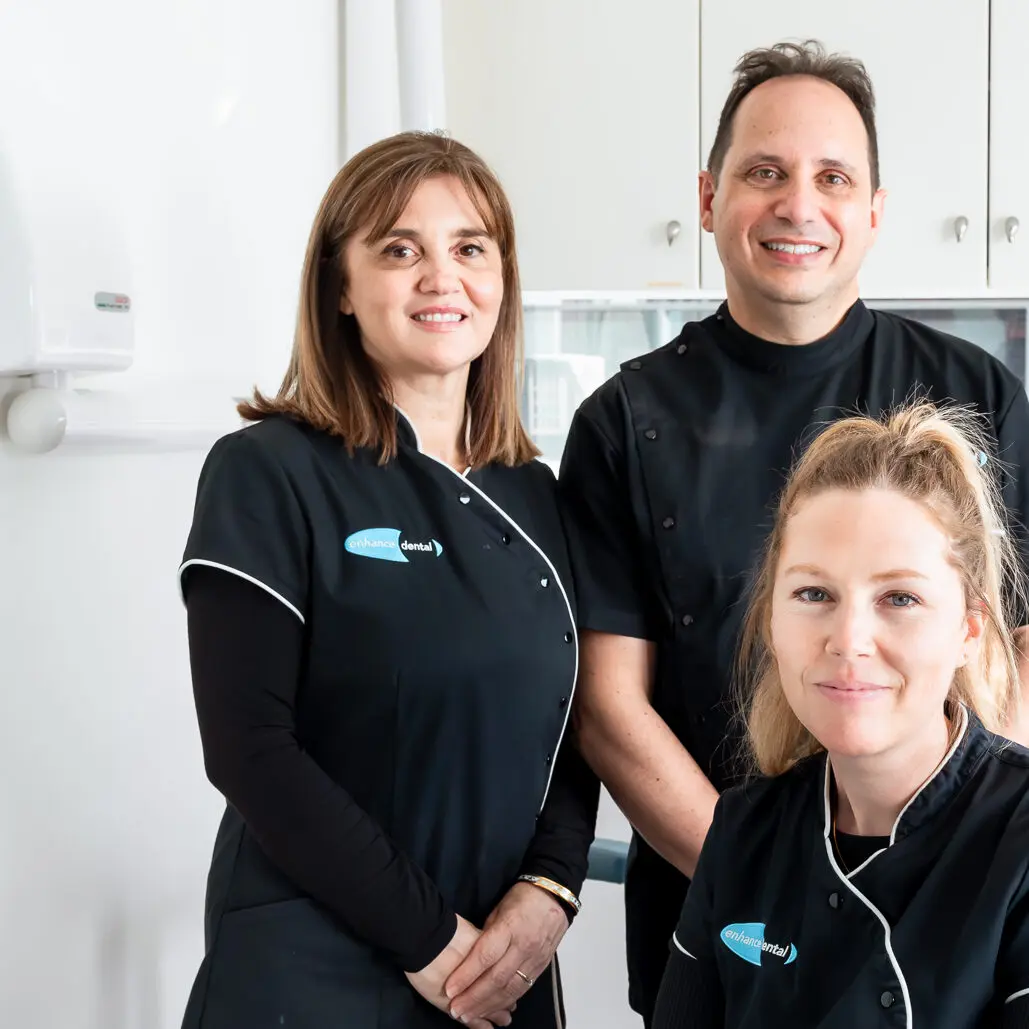
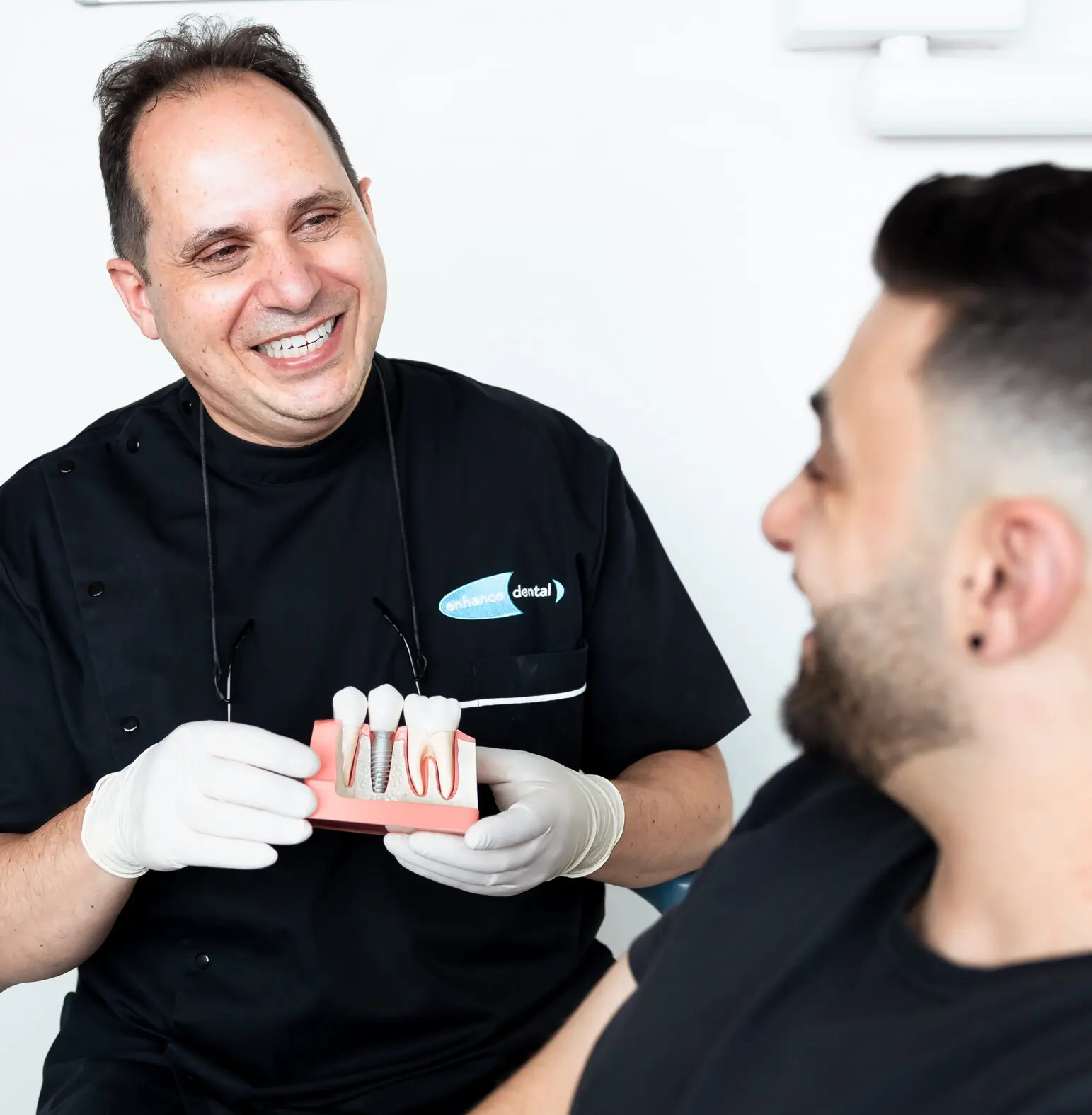
Get to know the practice
A familiar face when you arrive

Helpful information
Before you contact us or visit
Which is the best way to contact Enhance Dental?
Choose the option that matches what you need. Call (03) 9533 8488 during office hours if you want to speak with someone, discuss appointment availability or explain a time-sensitive concern. Use online booking when you are ready to look for an appointment. For a routine question, use the contact form and provide the details our team needs to respond. Google Maps is available above if your main question is where to find us. You do not need to read every section of this page before getting in touch; the same contact options are available at the top.
How do I send an email enquiry?
Select “Email an enquiry” to move directly to the Contact Form on this page. Enter your first and last name, email address, phone number, subject and a brief message. The form also lets you tell us whether you would like an appointment and which days or times suit you. Check your email address and phone number carefully before sending, as a typing error may prevent us from replying. If your question concerns an existing appointment, include enough information for our team to understand the request. For a time-sensitive matter, phone the practice rather than relying on an online message being read immediately.
Does sending the form confirm an appointment?
Sending an enquiry tells our team that you would like assistance; it does not reserve or confirm an appointment. The preferred days and times in the form help us understand your availability. Our team will contact you to discuss the next step and any available appointment options. If you need to know whether a particular time is available, call or use the online booking service. Keep the appointment details provided through your booking or by our team, and check them before travelling. If you are unsure whether an appointment has been confirmed, please contact us so we can clarify the date and time.
What should I do if I need to change an existing booking?
Call the practice if you need to discuss an appointment that has already been arranged, particularly when the date is approaching. Have the patient’s name and the appointment date and time available so our team can locate the booking. Explain whether you need to change the time, ask a question about the visit or discuss a different concern. If you use the contact form for a routine booking enquiry, clearly identify the appointment you are referring to. A message requesting a change does not itself confirm a replacement time. Please check the arrangements with our team before assuming that a different appointment has been booked.
Where exactly is the practice inside the building?
Enhance Dental is at Level 2, Suite 219, 566 St Kilda Road, Melbourne VIC 3004. The suite and level are useful details to keep with your appointment information because the street address identifies the building rather than the individual practice. Open the Google Map above to plan your journey to the building, then use Level 2 and Suite 219 to locate Enhance Dental. If you are travelling by taxi, rideshare or with someone bringing you to the appointment, share the full address with them. Contact our team if you need clarification about finding the practice before you leave or when you arrive.
Where can I park for my appointment?
Designated free patient parking is available on Queens Lane, at the rear of our building. Enter Queens Lane via Roy Street or Beatrice Street and look for spaces specifically marked for Enhance Dental patients. Metered parking is also available on St Kilda Road, Roy Street and Beatrice Street. Allow time to locate a suitable space and check the signs, payment requirements and parking limits for the space you use. The map gives you a starting point for planning the journey, while the parking details here help you identify the rear of the building. Please contact us if you need help understanding the location before travelling.
What should I check when travelling by tram or other public transport?
Our St Kilda Road location can be reached by tram, but your best route depends on where you are starting and the services operating on the day. Check current transport information, the direction of travel, your stop and the walking route to 566 St Kilda Road before leaving. Allow time to reach the building and locate Suite 219 on Level 2. If a service change affects your arrival time, contact the practice so our team knows what is happening. The Google Maps link can help you plan the journey; please check any route suggestions against current travel conditions and your appointment time.
Can I ask about access or assistance before visiting?
Yes. If you have questions about reaching the practice, navigating the building or assistance you may need on arrival, please call before your appointment. Explain the particular information you need rather than relying on a general map or assuming that the building arrangements will meet your needs. Our team can discuss the practical details with you and clarify anything that needs to be checked. If someone is accompanying you, let us know any relevant arrangements when you contact us. Planning these details ahead of the visit gives you time to ask questions and decide how you will travel to the practice.
What are your office hours, and how do I confirm my appointment time?
The office hours listed on this page are Monday 8.00 am to 7.00 pm, Tuesday to Thursday 7.30 am to 4.00 pm, and Friday 7.30 am to 12.30 pm. Clinical hours may vary, so the time of your individual appointment should be confirmed separately. Use the booking information provided by the practice or online booking service when planning your arrival. If you are unsure about a date or time, contact our team rather than relying only on the general office-hours table. For a request that needs a prompt discussion, call during office hours; the enquiry form is available for routine messages.
Should I complete the Medical History Form on a computer or print it?
Our fillable Medical History Form gives you both options. Download the three-page PDF to a desktop or laptop computer and open it in a PDF app that supports fillable forms. Type your answers, select the checkboxes and save the completed file. For the easiest experience, we recommend a computer rather than an iPhone or iPad.
Alternatively, print a blank copy and complete it by hand. Bring your completed form to your appointment, either printed or saved on your device. The PDF does not submit your answers automatically. If your browser only displays the document, download it and use a compatible PDF app. Contact our team if you have trouble opening, saving or printing it. The contact enquiry form on this page is separate from your medical history document.
Can I email my completed Medical History Form?
Yes. Save the completed PDF with your answers, then attach that saved file to your email. Please call (03) 9533 8488 for the correct practice email address before sending. Keep a copy for your own records. Opening or saving the PDF does not send it to us automatically. If you would rather bring it to your appointment, a printed copy or the saved PDF on your device is also welcome.
Can I complete the paperwork when I arrive at the practice?
Of course. If you prefer a paper form, cannot complete the PDF or forget to bring your form, please arrive at least 10 minutes before your appointment to complete the paperwork at the practice. Allow extra time if you would like assistance, and let our team know if you need help. You do not need to complete the form on a phone or computer before visiting.
What should I do if I have a dental concern and need an appointment soon?
Call (03) 9533 8488 so our team can discuss your concern and appointment availability. Explain that you are seeking an appointment soon, rather than relying on a message being read or a preferred time being available online. You can also read our emergency dental appointment information for further details about contacting the practice. The contact form is intended for routine enquiries and does not provide an immediate clinical assessment. If you have already submitted a form but need a prompt conversation, phone the practice during office hours and let our team know about your earlier message.
How is information in my enquiry handled?
The contact form asks for the information needed to understand your enquiry and respond to you. Keep your initial message focused on the question you want to ask and provide accurate contact details. You can review the practice’s privacy policy for information about how Enhance Dental collects, uses and manages personal and health information. If you have a question about providing information or need to discuss a records request, call the practice and ask our team about the appropriate process. A routine enquiry does not require you to attach or provide every detail of your medical or dental history.
What if I have submitted an enquiry and need to follow it up?
If you need to follow up a message, call the practice and tell our team the name and contact details used on the form, along with the subject of your enquiry. This helps us understand which request you are referring to without asking you to start again. Check that the email address and phone number you supplied were correct. If you need to correct them, explain this when you contact us. The form is a convenient way to send a routine enquiry, but it does not promise an immediate response or a confirmed appointment. Please phone for a time-sensitive matter.
Can I contact the practice on behalf of someone else?
You can call our team to ask how to help another person arrange a visit. Explain whether you are enquiring about appointment availability, travel arrangements or the booking process. Our team can discuss what information is needed and clarify the appropriate next step. If the enquiry involves an existing patient’s details, records or treatment information, ask about the relevant privacy process rather than including those details in a general online message. When someone else will be attending the appointment, make sure the appointment information and practice address are clear to them. Contact us beforehand if you need help understanding the arrangements.
How do I keep the practice details handy for my visit?
Save your appointment confirmation together with our phone number, (03) 9533 8488, and the full address: Level 2, Suite 219, 566 St Kilda Road, Melbourne VIC 3004. Open the Google Maps link above when planning your journey and review the parking information if you are driving. If you have completed the Medical History Form electronically, save the file and keep it accessible on your device; if you completed a paper copy, bring that with you. Check your appointment time before leaving, as the general office hours are not a substitute for your booking details. You can return to this contact page whenever you need the phone, booking, enquiry or directions links.
How can we help?
Call, send a general enquiry or check the directions above. Ready to plan a visit? Our dental appointment page explains booking, your first visit and preparation.
Prepare for your appointment
Fill in your Medical History Form on a desktop or laptop computer, or print it and complete it by hand. Save your completed copy and bring it with you, or call us for the correct practice email address to return it by email.
Prefer to complete a paper form at the practice? Please arrive at least 10 minutes early, allowing extra time if you would like assistance.
Open / Download Medical History Form (PDF) ↗
Fill in & save, or print & write. Your answers are not sent automatically.